Class for ZoomThe virtual classroom built for Zoom users
Class is a virtual classroom for instructor-led learning and training. Every session runs on Zoom’s enterprise-grade video and audio, with tools designed for how instructors guide and learners engage.
Built for Zoom usersMore than a video call
Class sessions run on Zoom’s video and audio infrastructure, so you get the reliability and scale your team expects. But while Zoom is built for meetings, Class is built for learning. Every session includes the course structure, instructor tools, and engagement data that video calls don’t have.
Powered by ZoomBuilt on a trusted platform
Class is built for Zoom’s industry-leading video technology. That means every lesson you host harnesses the performance, scale, and reliability of Zoom’s video-first communications platform.
A focus on learning
innovation
Our development stays focused on what Zoom doesn’t cover—the instructor tools, engagement features, and course management that make virtual learning effective.
Reliable audio-video conferencing
Every session delivers the consistent, clear, and secure audio and video performance that live virtual learning demands.
Scales with your organization
Class inherits Zoom’s capacity and global infrastructure, so whether you’re running sessions for a few learners or a few hundred, performance stays consistent.
How does Class compare to Zoom?
When it comes to effective virtual learning, traditional video conferencing isn’t enough. Class supports learning before, during, and after every session.
Before live virtual learning
Sync your LMS, start from templates, and pre-configure breakout rooms. Your courses stay set up between sessions.
During live virtual learning
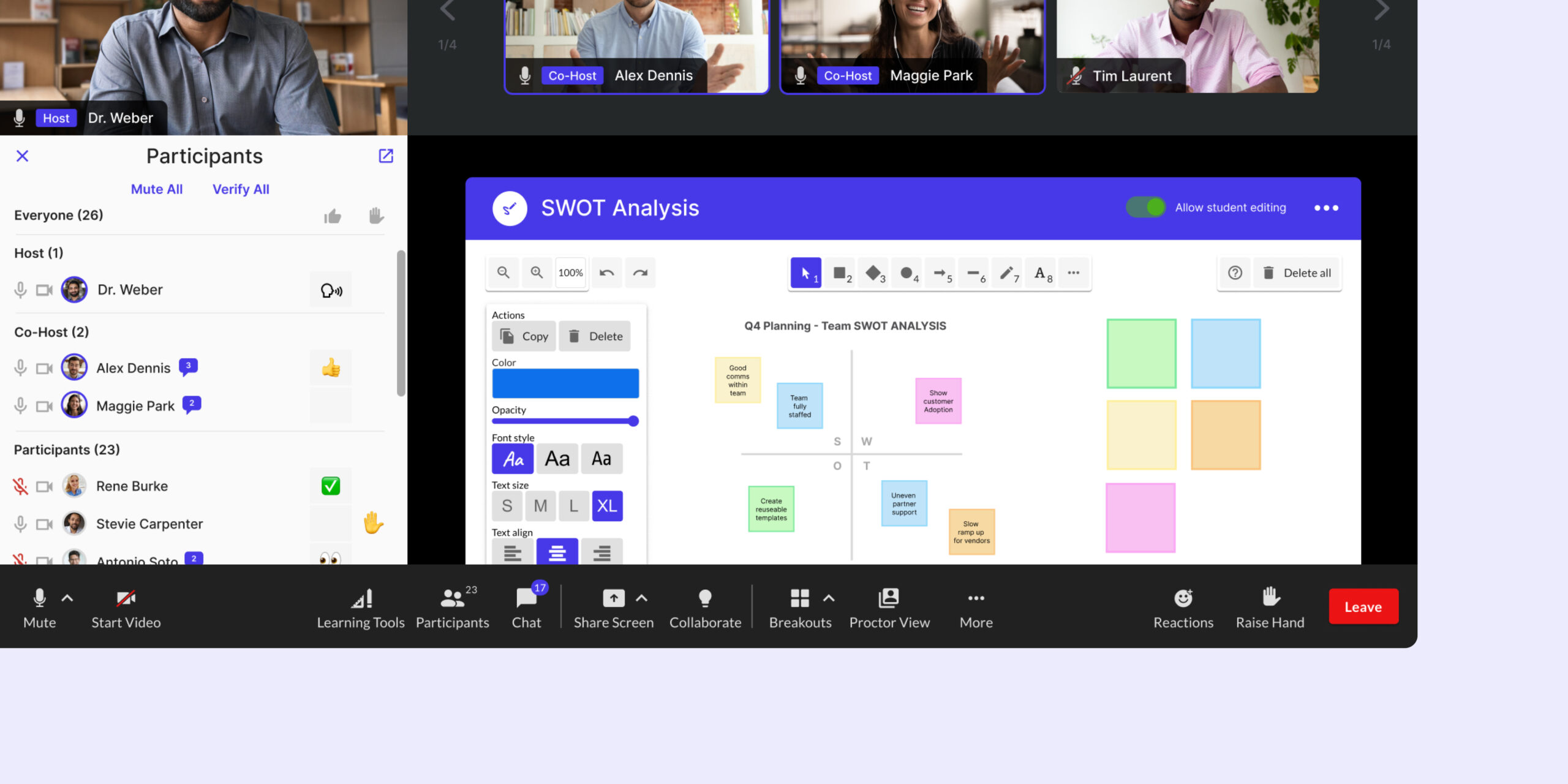
Launch polls, quizzes, and other materials directly in the session, monitor breakout rooms, and see participation in real time.
After live virtual learning
Add polls and assessments to Interactive Recordings, and use engagement and retention analytics to improve outcomes.
Foundations
Secure, reliable access that scales, with accessibility features and core tools like screen share and chat.
Designed for Zoom usersFamiliar to your team, made for learning
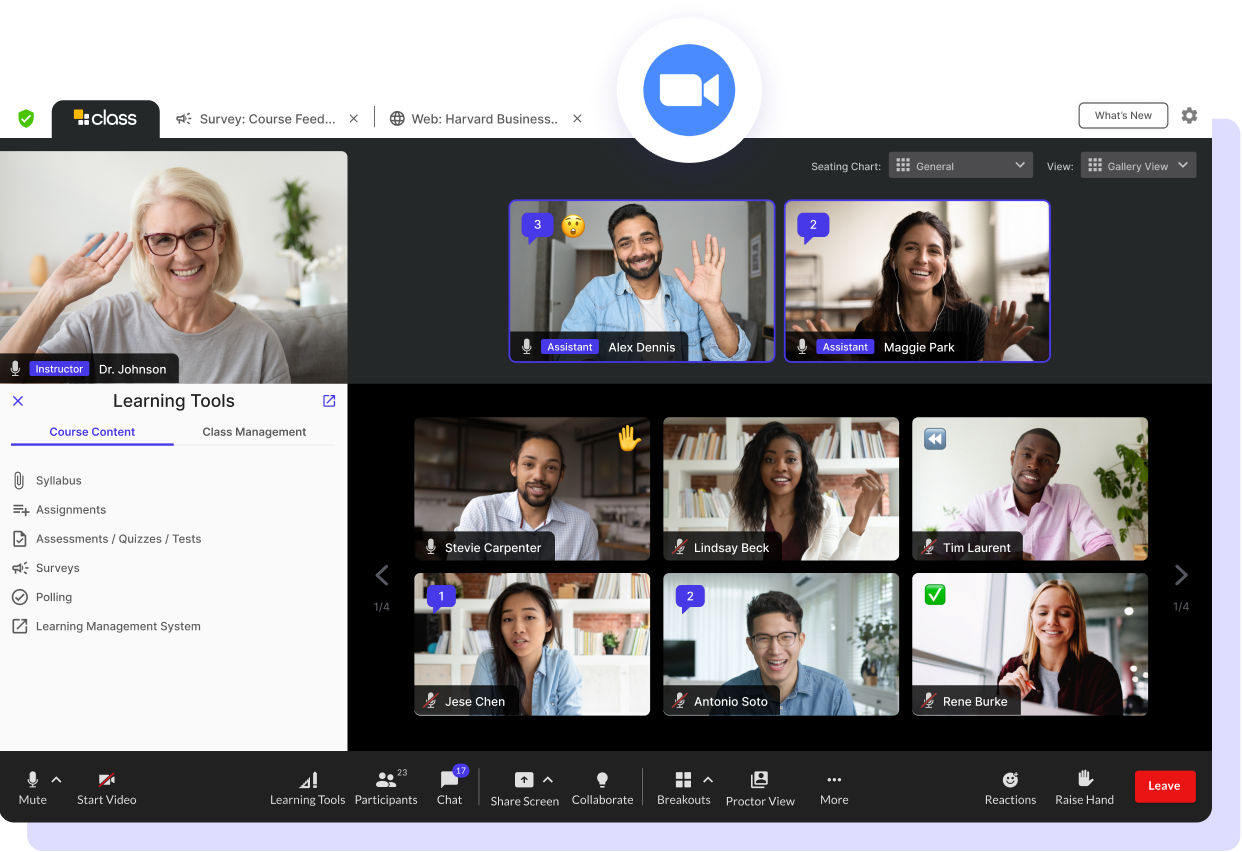
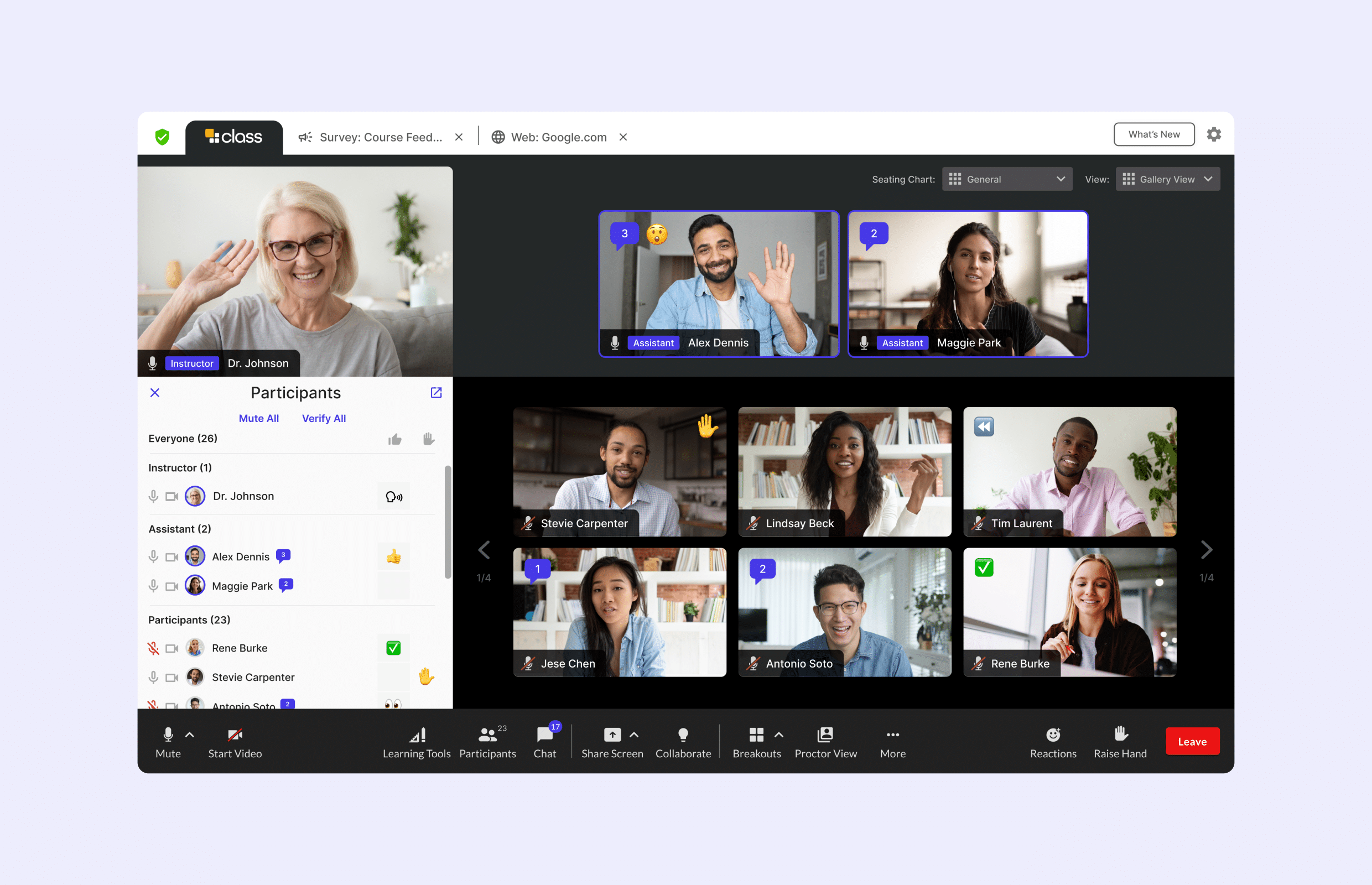
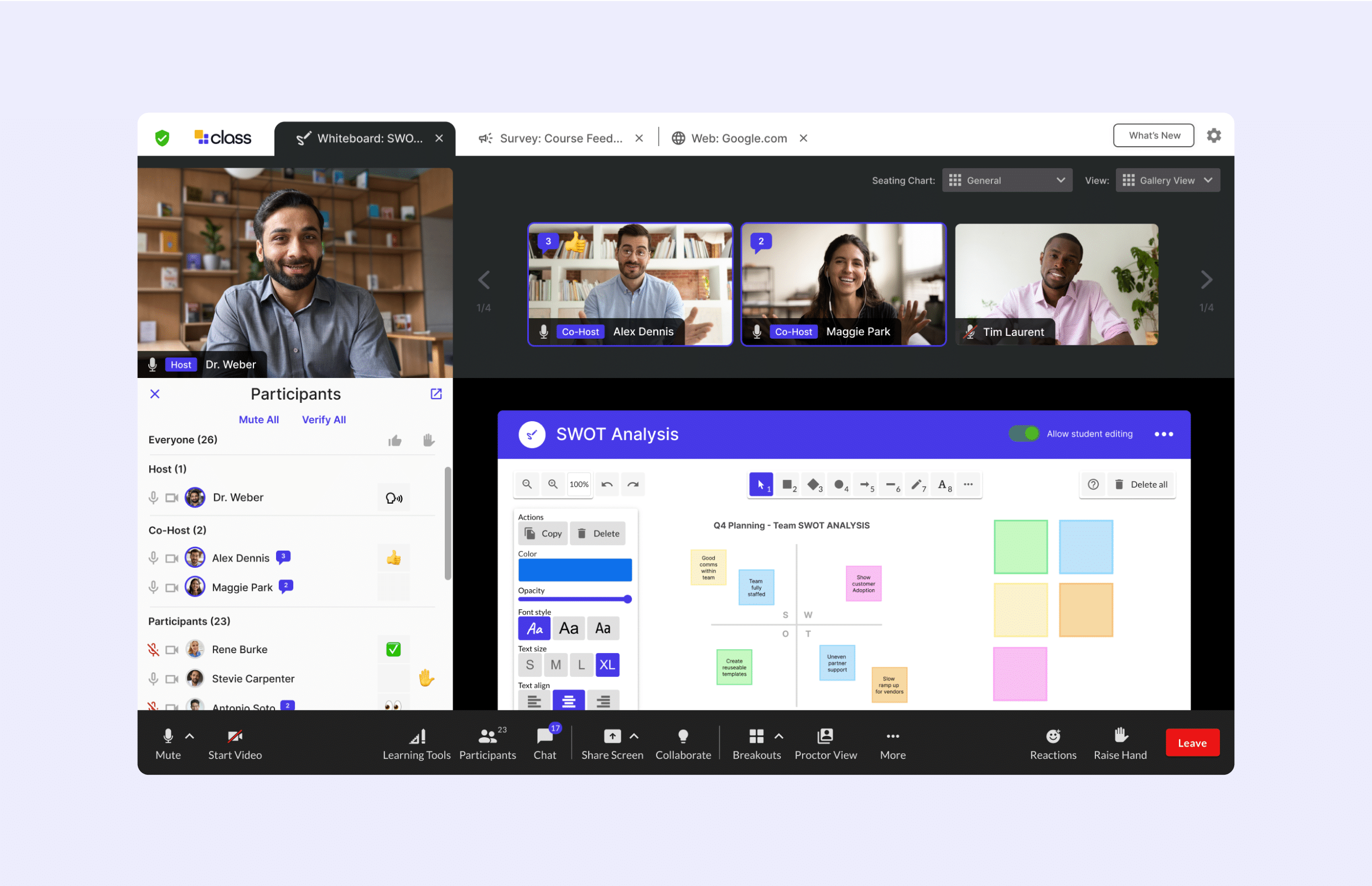
Class is designed for people who already meet in Zoom every day. Instead of a meeting grid, you get a classroom with seating charts, breakout room oversight, engagement data, and tools built for how instructors guide learning.


SecurityEnterprise-grade security in every session
Whether or not your organization already has Zoom, every Class session is protected by the same data protection, compliance, and access controls.
Class for Zoom FAQsYour questions answered
What does “built for Zoom users” mean?
Class for Zoom is designed for teams used to working in Zoom. Sessions run on Zoom’s video and audio infrastructure, and Class gives instructors what live learning needs: course setup, instructor tools, engagement tracking, and interactive recordings. The Zoom licensing can come from Class or from your organization.
Do I need my own Zoom licenses to use Class?
If your organization already has Zoom, Class works with the licenses you have. If you don’t have Zoom, you don’t need to buy it separately. Class includes the video and audio your instructors need to run Class sessions.
Does Class replace Zoom for meetings?
No. Class is built for live learning, not general meetings. The video and audio included with Class work only inside Class sessions. Organizations that use Zoom for meetings, webinars, and everyday calls keep their Zoom licenses for that.
Can I use Class with the Zoom licenses I already have?
Yes. Connect your existing Zoom licenses to Class, and keep using them for meetings and everything else as you do today.
What’s the difference between Class for Zoom and Class for Teams?
The main difference is the interface. Class for Zoom is designed for people used to Zoom, and Class for Teams is designed for people used to Microsoft Teams. You can choose either one, and if you choose Class for Zoom without having Zoom, Class provides the licensing. Many organizations go with the one their instructors and learners already use every day.
Does Class work on mobile devices and in a browser?
Yes. Class runs in the browser on desktop, laptop, and mobile, with no desktop app to install.
How does Class work with our LMS?
Class connects through LTI and REST APIs. You can launch sessions from your LMS, sync enrollments, and pass learner progress back. Class integrates with:
How do I get more information or schedule a demo?
Let’s schedule time to talk with our solutions team. We’ll show you Class in action and help you choose the right setup for your organization.
Class for every industryLive virtual learning for every kind of organization
Business
Onboard, upskill, and keep teams compliant with live training that holds attention.
Government
Train your workforce at scale on a secure, FedRAMP-authorized platform.
Higher Education
Offer the flexible, high-quality courses students want, taught in a real virtual classroom.
K-12
Serve more students with live online learning that keeps them engaged.