Your students sit for the same state assessments and compete for the same college spots as every in-person student in your state. Video and web conferencing tools weren’t designed for that standard. But Class is.
Why video conferencing tools fall short for virtual academies
No visibility into whether students are actually engaged
No way to identify struggling students before it’s too late
No privacy controls designed for a classroom of minors
No organized way to manage materials, rosters, and session setup
No data to know if your programs are meeting the standard
Virtual academies deserve more than a video conferencing tool
Class turns Zoom and Microsoft Teams into real classrooms
Delivering quality instruction online requires tools that keep students engaged, protect them in a live virtual environment, and give administrators the visibility to know their programs are working. Class is built for Zoom and Microsoft Teams to do exactly that.
Show up ready before the bell, every class
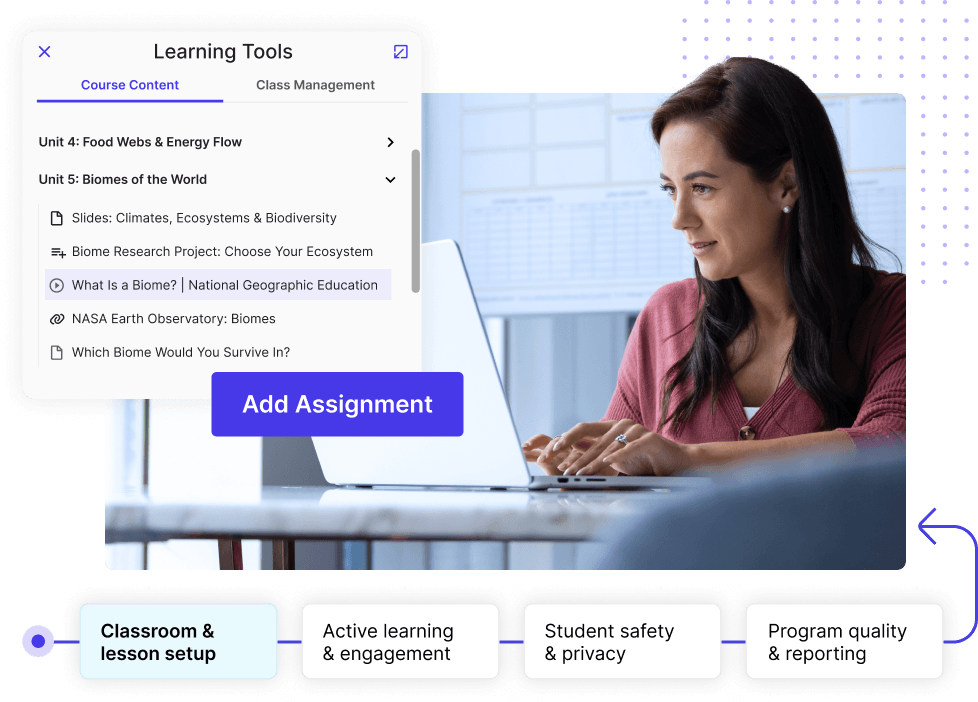
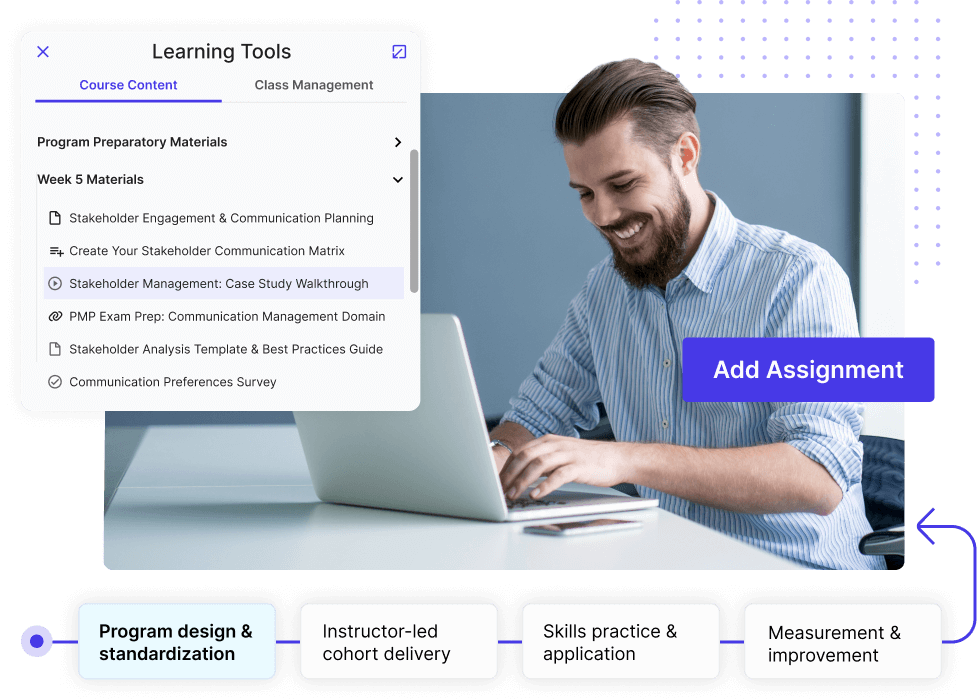
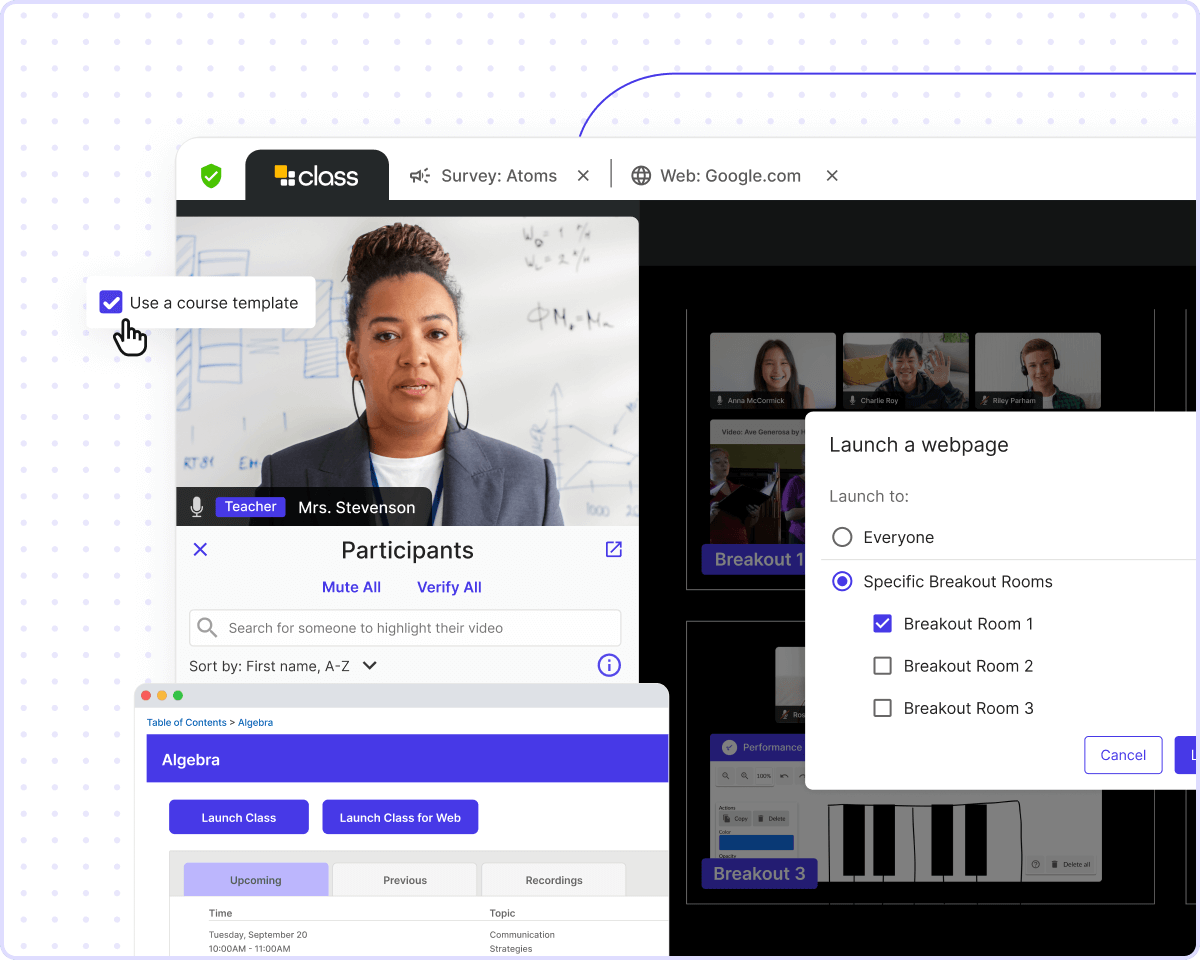
Before anyone clicks “Join Class,” every session needs the materials loaded, rosters synced, and configurations set. Class syncs directly with your LMS so materials are loaded, rosters are current, and attendance takes care of itself.
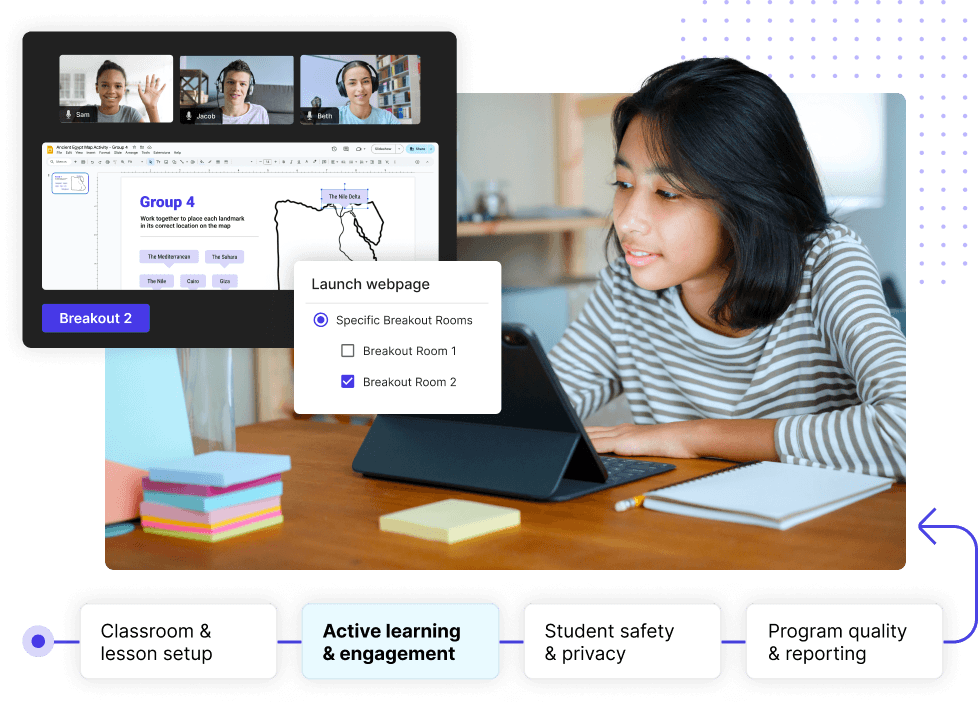
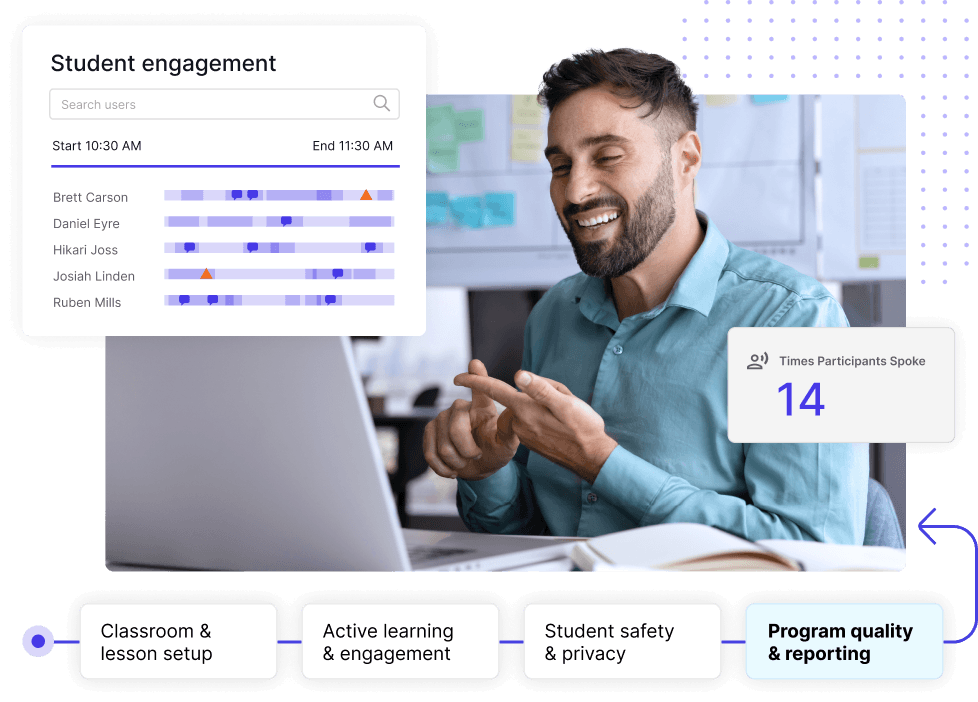
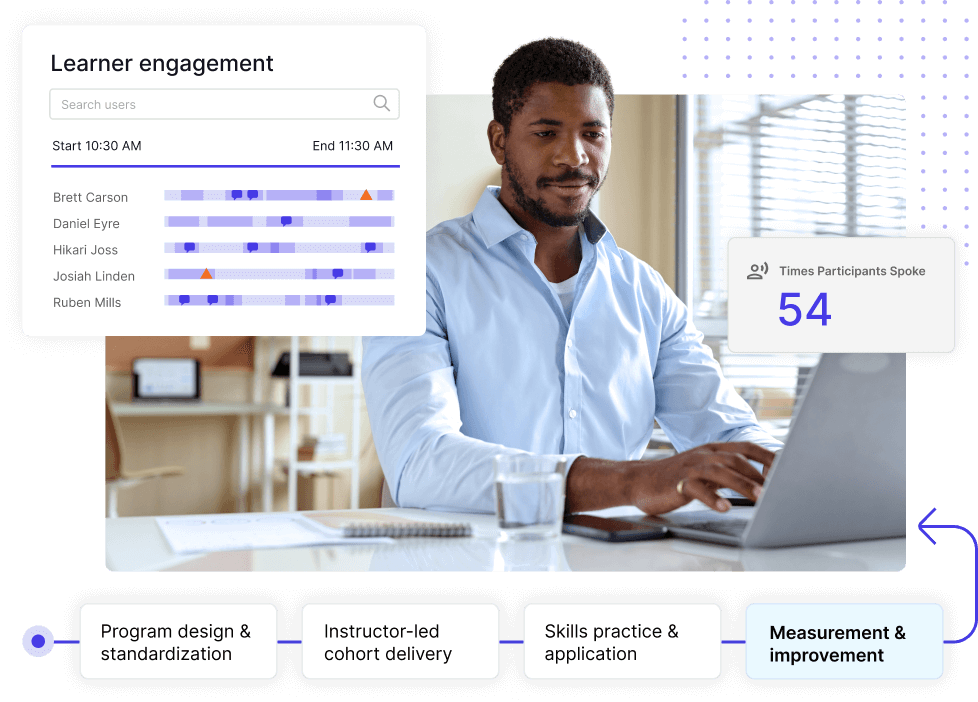
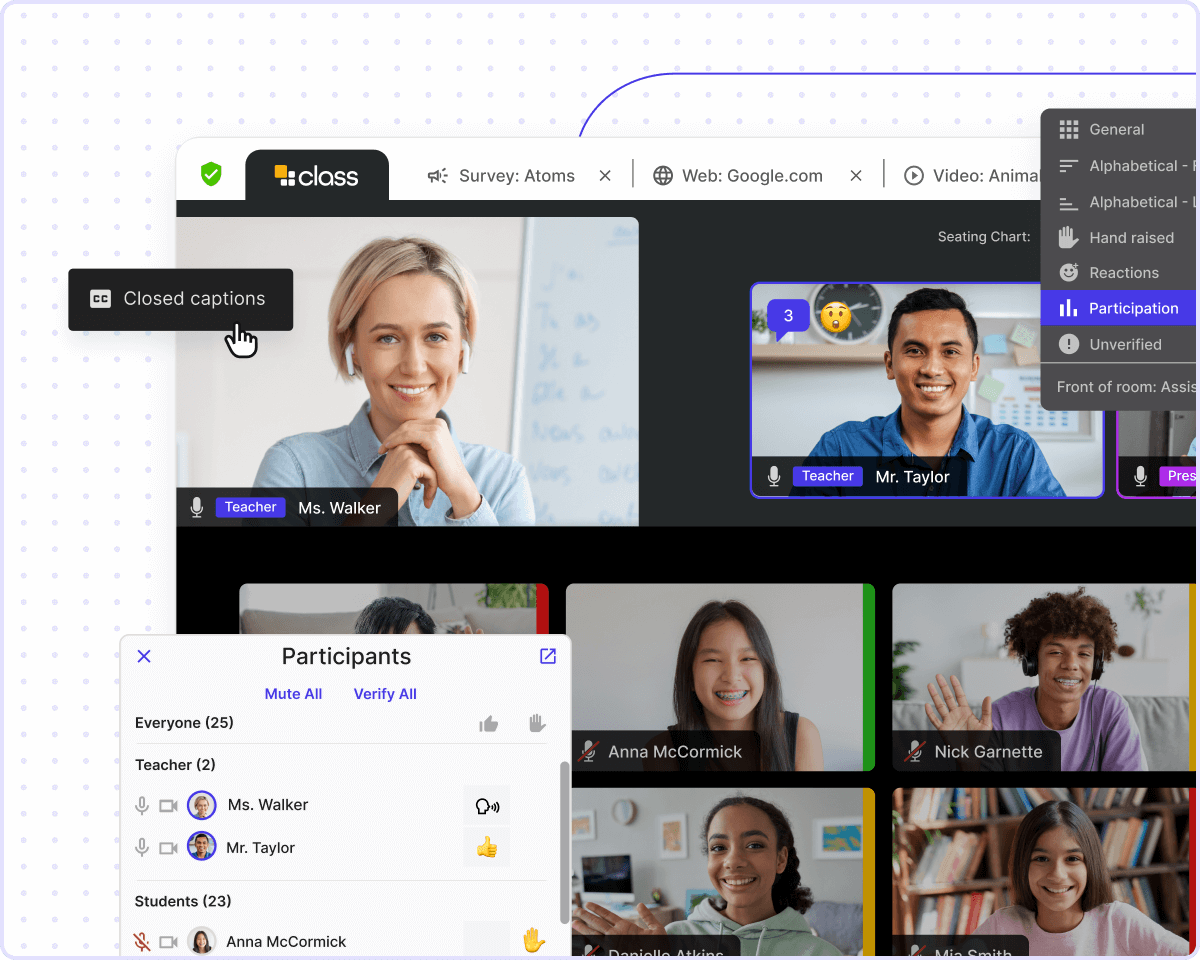
Without physical proximity, disengagement is easy to miss. Class makes participation visible with integrated learning tools, real-time engagement scores, and focus tracking that keep students engaged and show when they’re not.
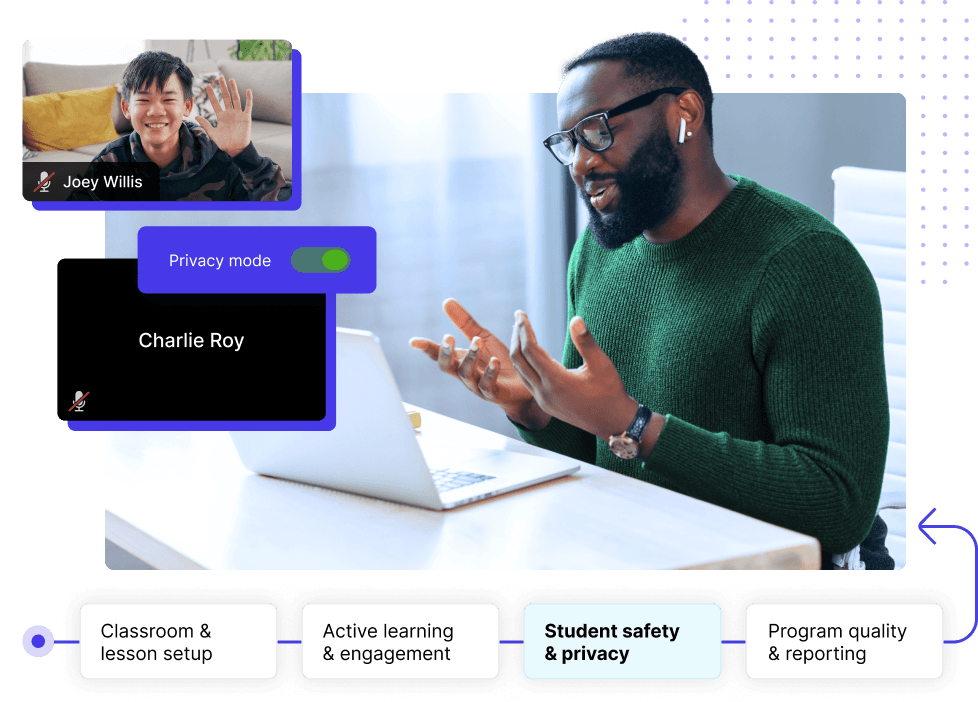
Virtual academies are responsible for minors in a live online environment. As a partner in that effort, Class is FERPA and COPPA-compliant, SOC 2 Type II-certified, and built with features like Privacy Mode that keep students visible only to instructors.
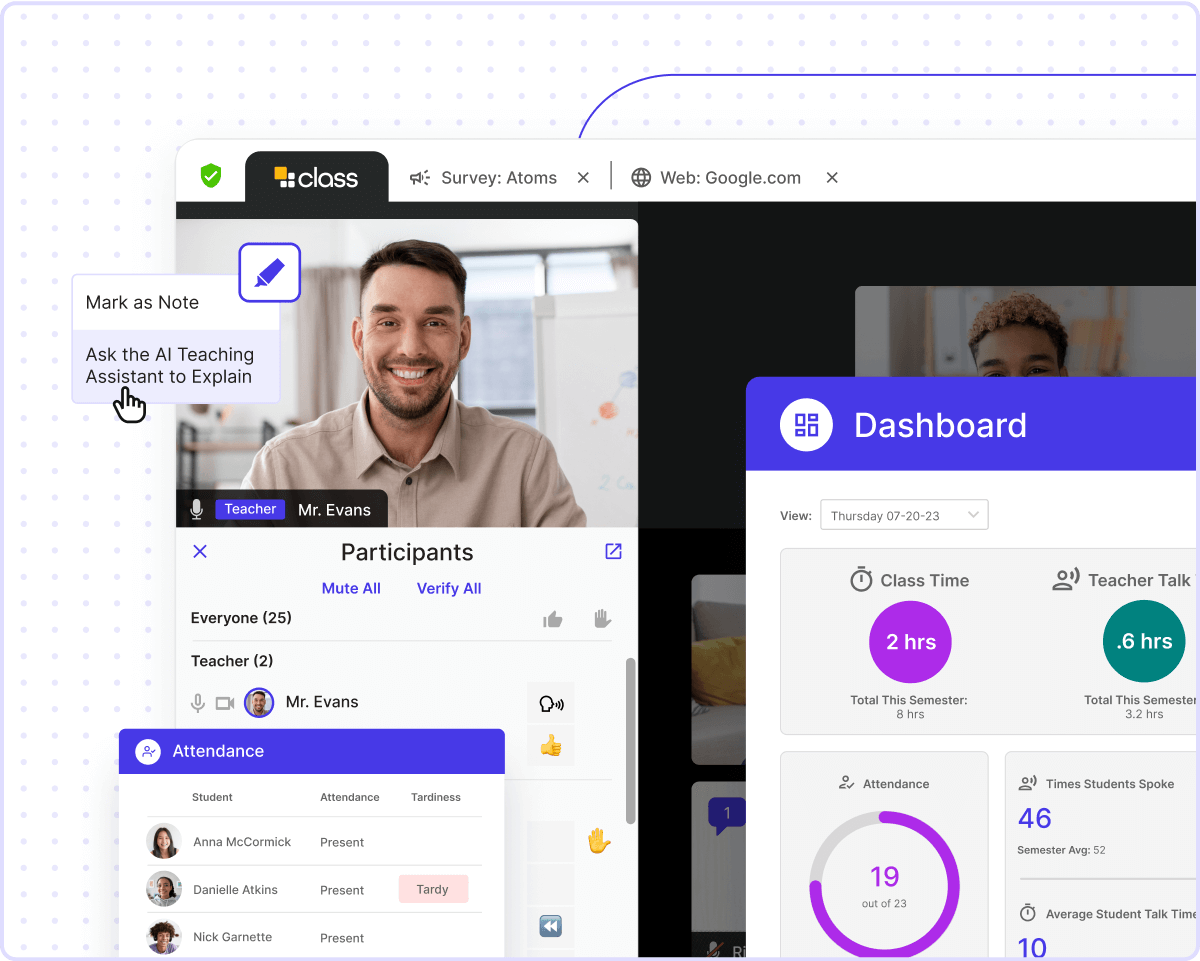
Knowing your programs are working takes more than students showing up to class. Class surfaces attendance, participation, and engagement data so administrators can see where students need support and demonstrate program quality when it counts.
The benefit for our students with live instruction through the virtual program is they still get the experience of having an instructor that they feel like they’re connected to. They feel like they’re connected to a real classroom."
Trusted by 10M+ users from 1,500+ institutions in 75+ countries
Made for Zoom and Microsoft Teams, connected to your LMS
Class is built for Zoom and Microsoft Teams, so there’s no new platform for teachers to learn or students to log into. Connect your LMS so access is controlled and easy, while rosters, materials, and attendance sync automatically.
Featured LMS integrations for K-12
Powerful tools for teaching and learning
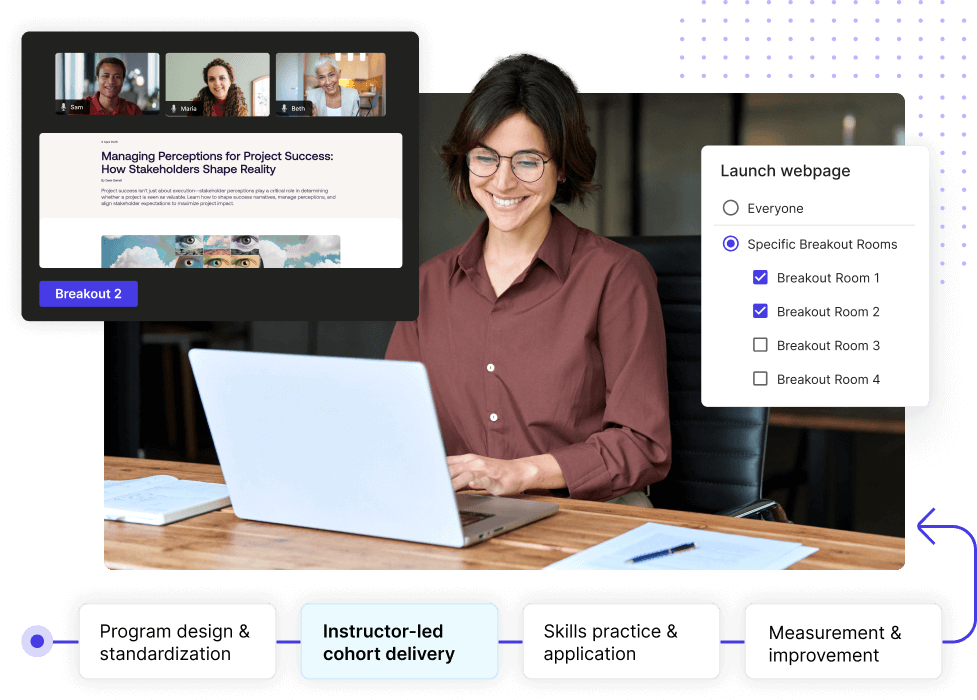
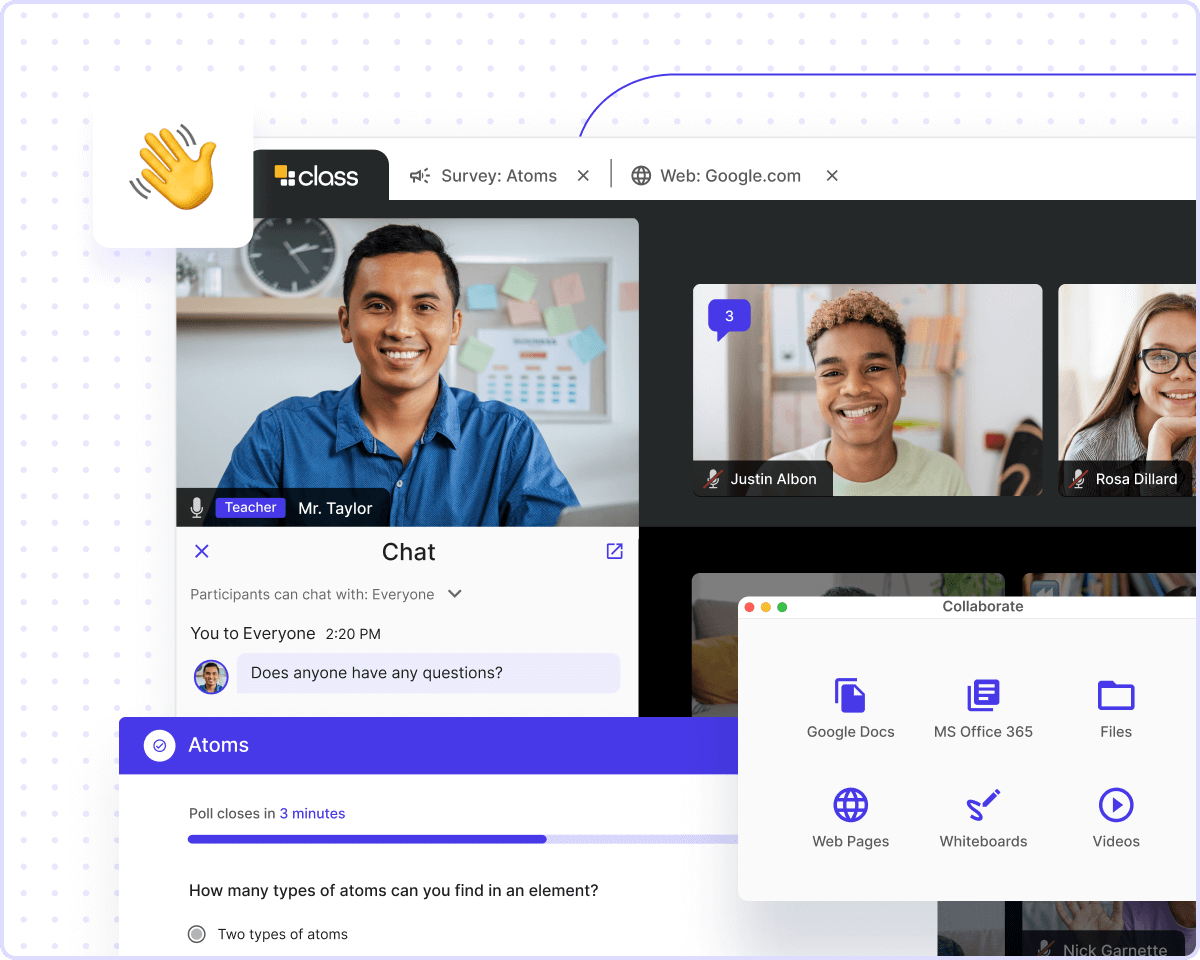
Class gives students the best virtual learning experience possible. With tools that facilitate active learning—from videos and polls to interactive screen sharing—Class has everything your virtual classroom needs.
Collaborative, Active LearningLearn by doing
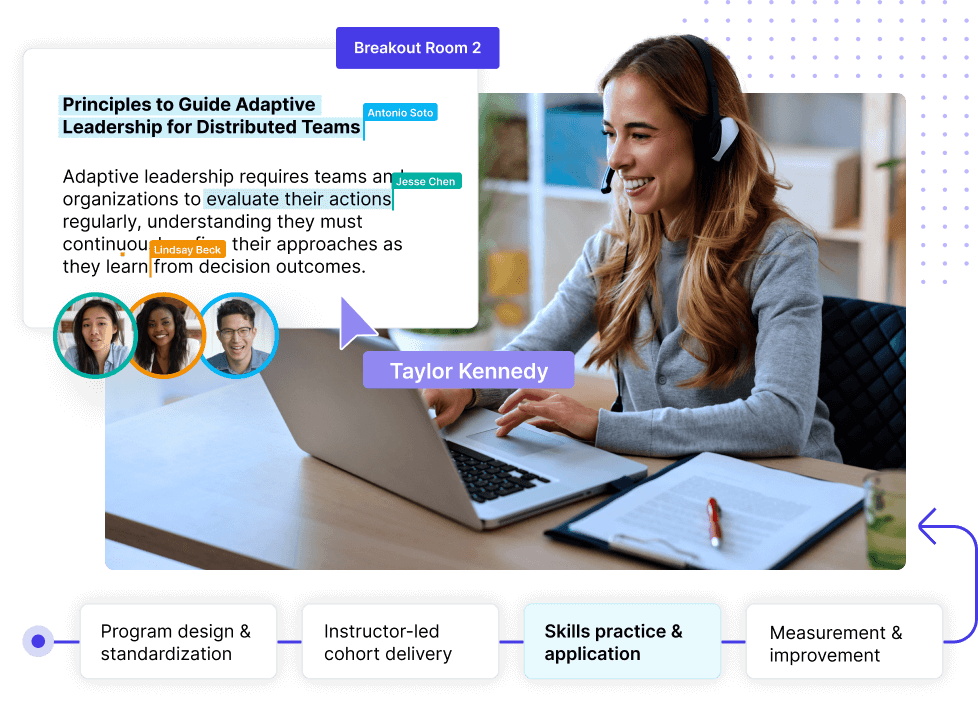
It’s hard to learn from just watching a screen. Class’s hands-on learning tools empower students to interact with class content, connect with their teachers and peers, and learn together in a live virtual environment.
SEAMLESS COURSE SETUP & DELIVERYScalability made simple
Stop jumping between apps and bring everything into one unified space. LMS integrations and course templates connect your class content with live lessons to deliver everything you need to create a complete, seamless virtual learning experience.
Make life easier for teachers with tools that streamline online education. Automatically take attendance, transcribe classes, and measure student participation. View real-time analytics into a digestible, easy-to-read data dashboard.
Flexible, Accessible InterfaceVirtual learning made easy
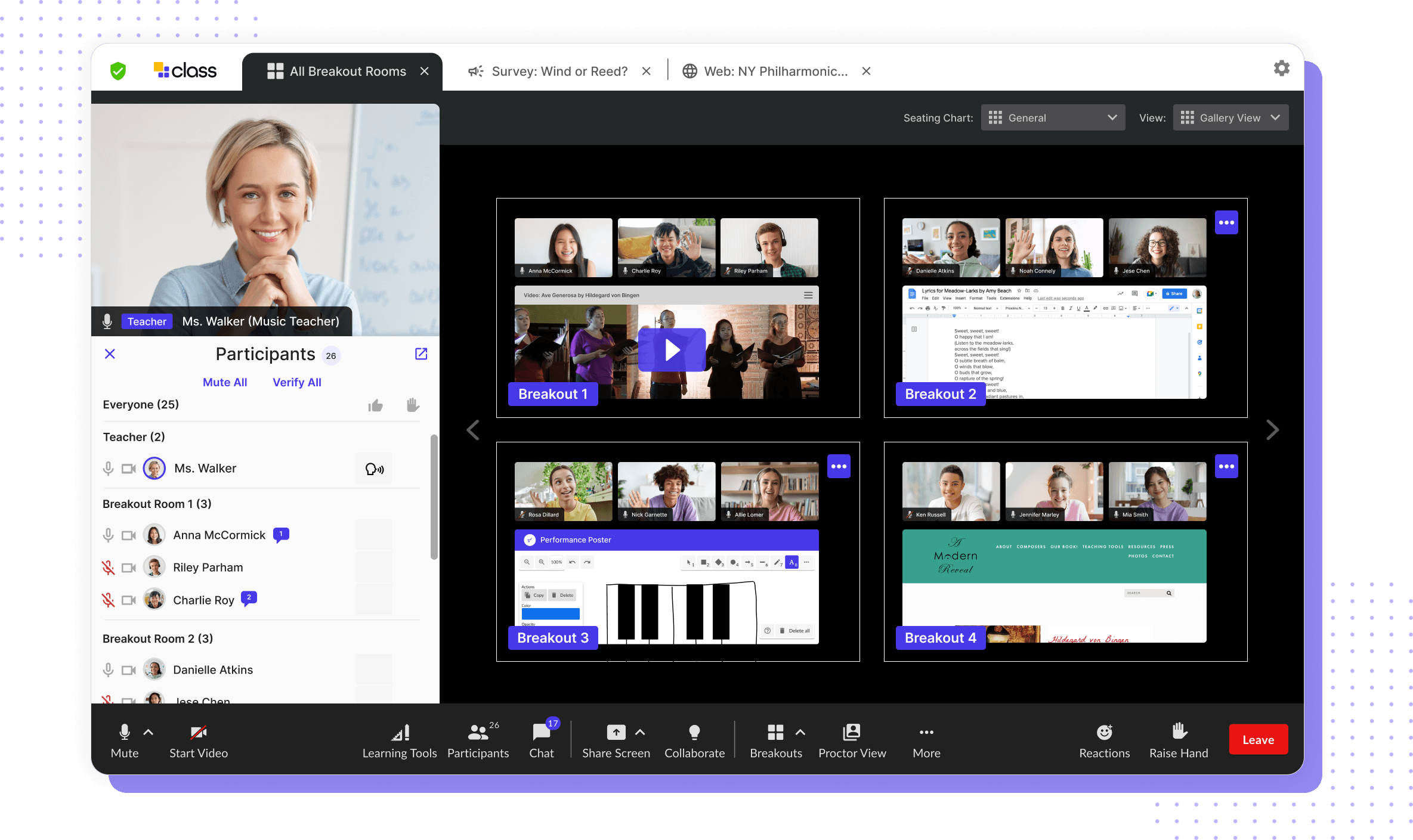
Class’s intuitive UI was designed to be easy to use and meet the needs of all students. Seating charts keep teachers organized. Flexible layouts are customizable to meet teaching and learning needs.
It’s hard to learn from just watching a screen. Class’s hands-on learning tools empower students to interact with class content, connect with their teachers and peers, and learn together in a live virtual environment.
SEAMLESS COURSE SETUP & DELIVERYScalability made simple
Stop jumping between apps and bring everything into one unified space. LMS integrations and course templates connect your class content with live lessons to deliver everything you need to create a complete, seamless virtual learning experience.
Make life easier for teachers with tools that streamline online education. Automatically take attendance, transcribe classes, and measure student participation. View real-time analytics into a digestible, easy-to-read data dashboard.
Flexible, Accessible InterfaceVirtual learning made easy
Class’s intuitive UI was designed to be easy to use and meet the needs of all students. Seating charts keep teachers organized. Flexible layouts are customizable to meet teaching and learning needs.