Class for Microsoft TeamsThe virtual classroom for Microsoft Teams users
Class gives organizations that already use Teams a virtual classroom designed for live, instructor-led learning and training, with the tools instructors need to facilitate well and keep every learner engaged.
Built for Microsoft Teams usersFamiliar, reliable, and made for learning
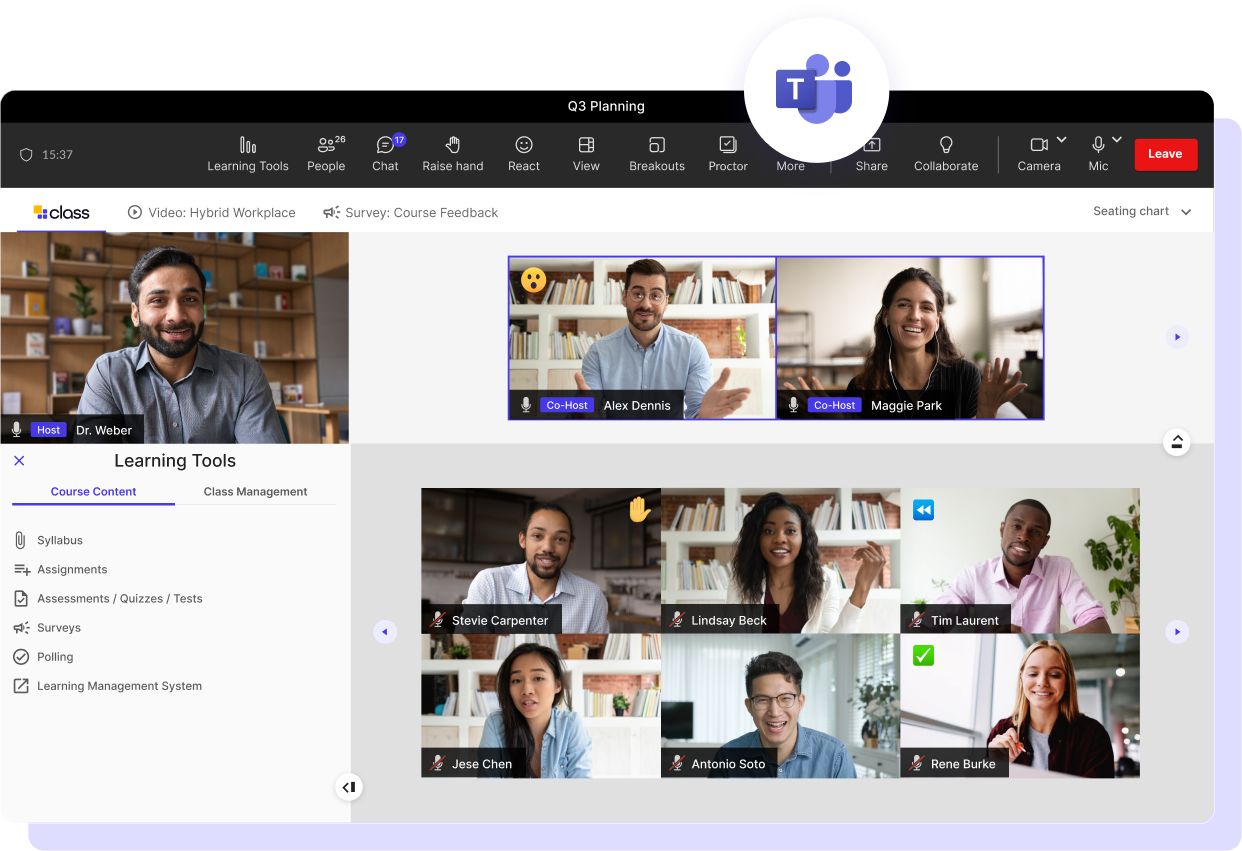
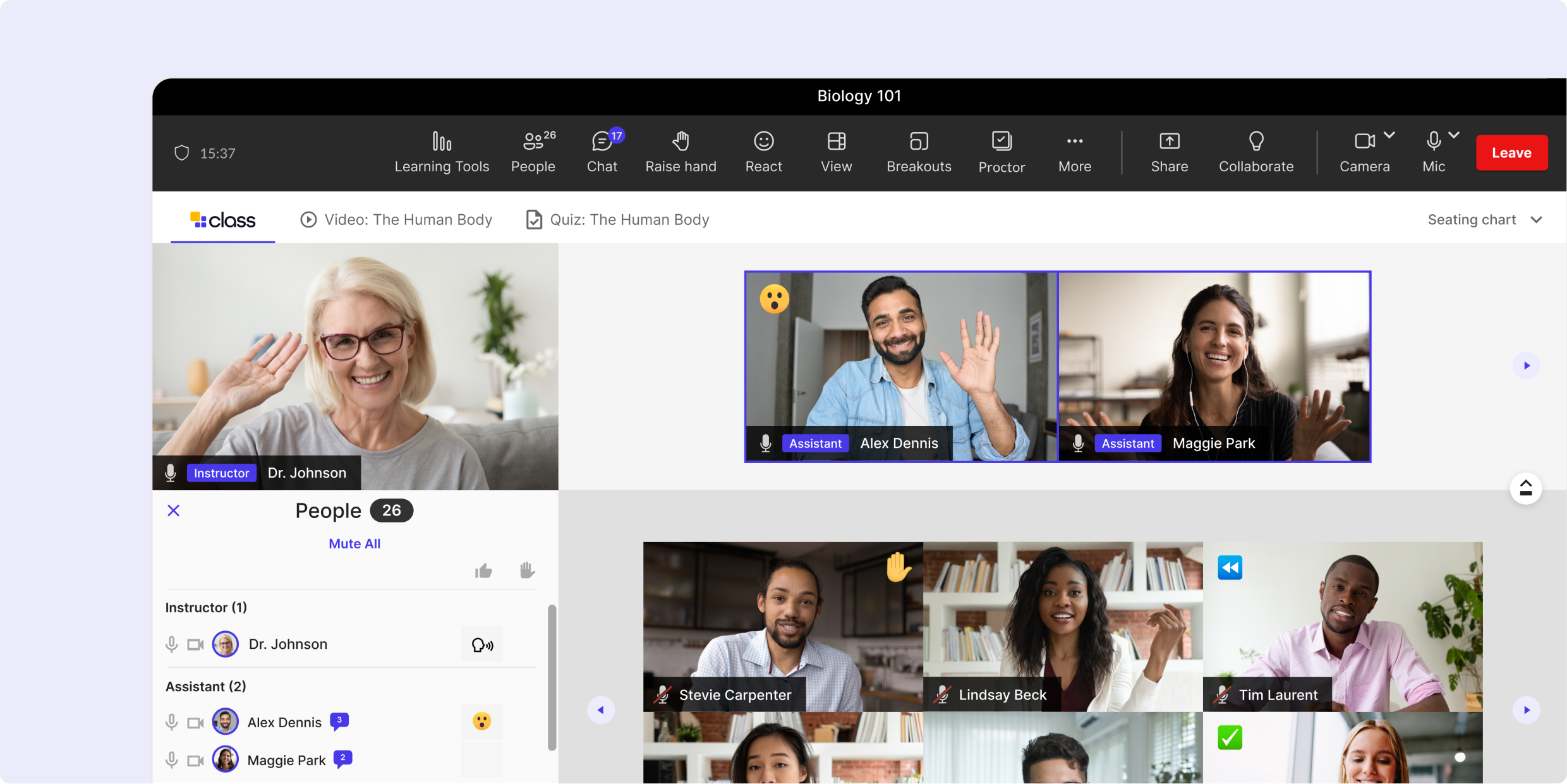
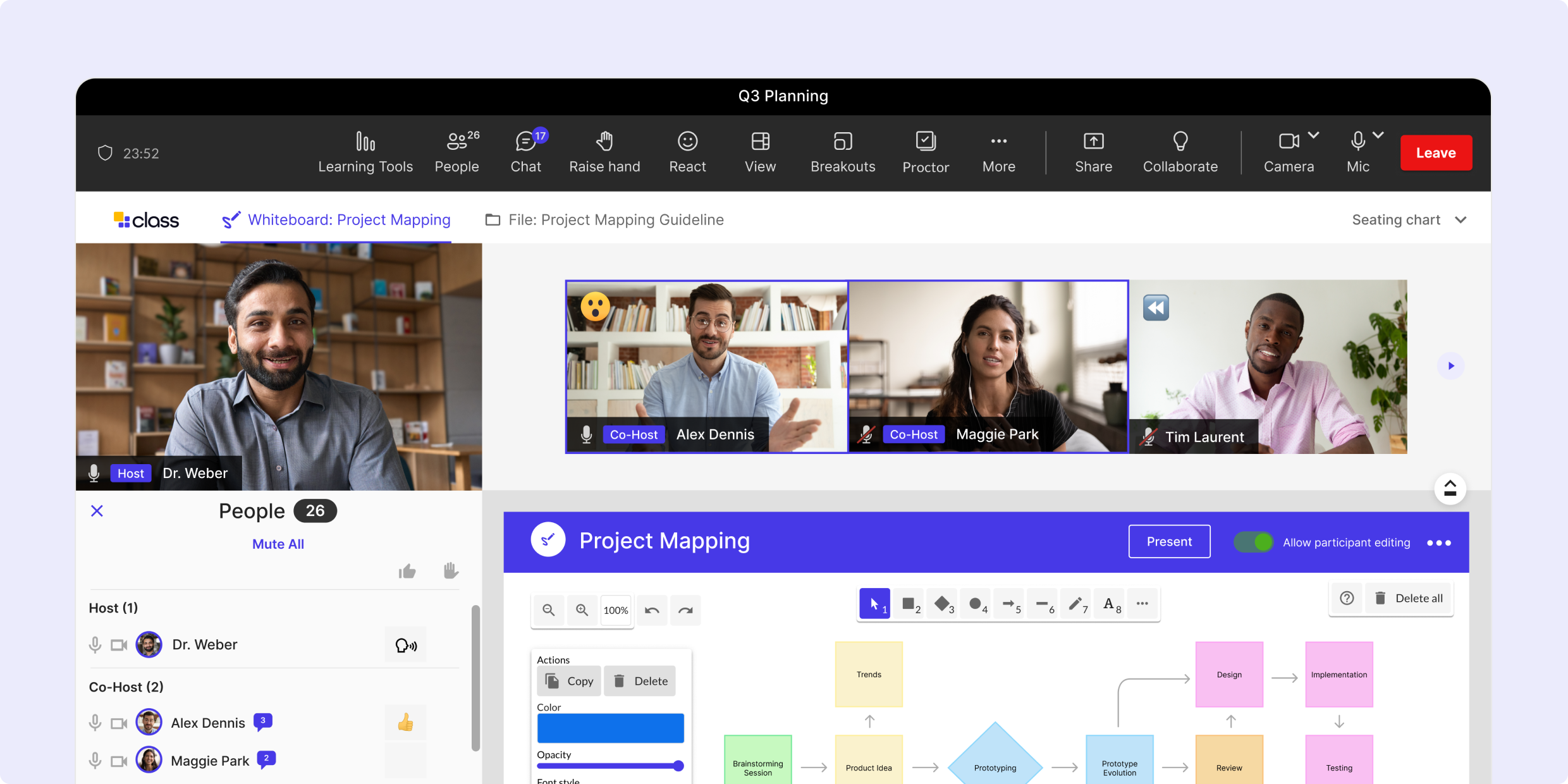
Class for Microsoft Teams is designed so people who work in Teams will recognize how it looks and feels. Behind that interface, every session runs on enterprise-grade video and audio, which Class provides as part of the platform. And unlike a standard Teams meeting, it’s built for learning, with course structure, engagement tools, and learner insight in every session.
Powered by Microsoft TeamsBuilt on a reliable platform
Class is built on Microsoft’s industry-leading video technology—ensuring that every session benefits from the performance, scalability, and reliability inherent in Teams’ video-centric communication platform.
A focus on learning innovation
We stay focused on what meeting tools don’t cover: instructor tools, engagement features, and course management that make live training effective.
Scales with your organization
Grow from one course to organization-wide training, with reliable video and audio for a few learners or a few hundred.
Microsoft ecosystem compatible
Class works alongside the Microsoft tools your organization already relies on, so live learning fits into how your teams work today.
How does Class compare to Microsoft Teams?
When it comes to effective virtual learning, traditional video conferencing isn’t enough. Class supports learning before, during, and after every session.
Class
Microsoft Teams
Before live virtual learning
Set up courses faster Sync your LMS, start from templates, and pre-configure breakout rooms. Your courses stay set up between sessions.
Class
Microsoft Teams
During live virtual learning
Guide, engage, and assess in every session Launch polls, quizzes, and other materials directly in the session, monitor breakout rooms, and see participation in real time.
Class
Microsoft Teams
After live virtual learning
Reinforce learning and track the impact Add polls and assessments to Interactive Recordings, and use engagement and retention analytics to improve outcomes.
Class
Microsoft Teams
Foundations
The essentials every live session needs Secure, reliable access that scales, with accessibility features and core tools like screen share and chat.
Designed for Microsoft Teams users A familiar space, optimized for learning
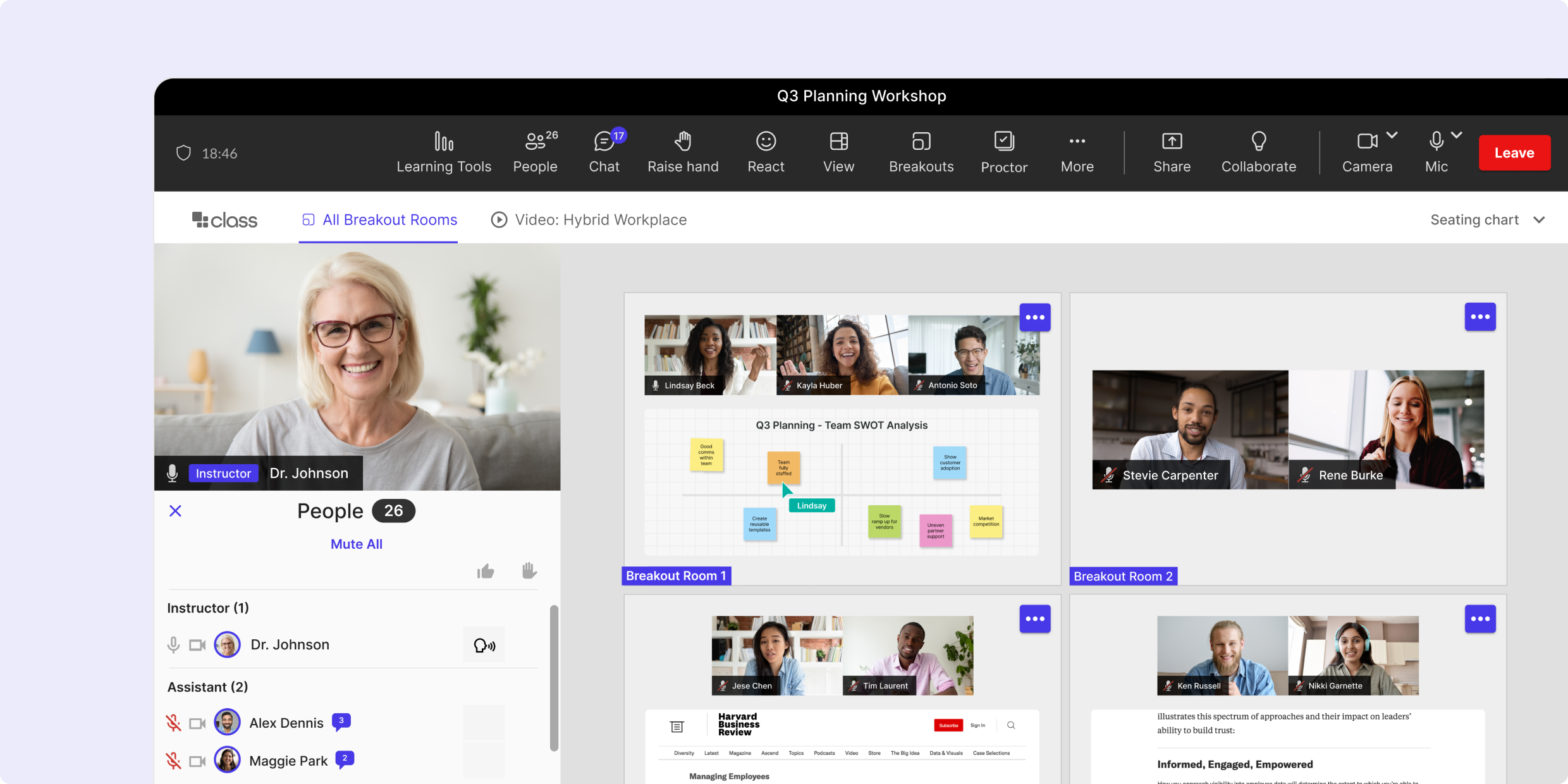
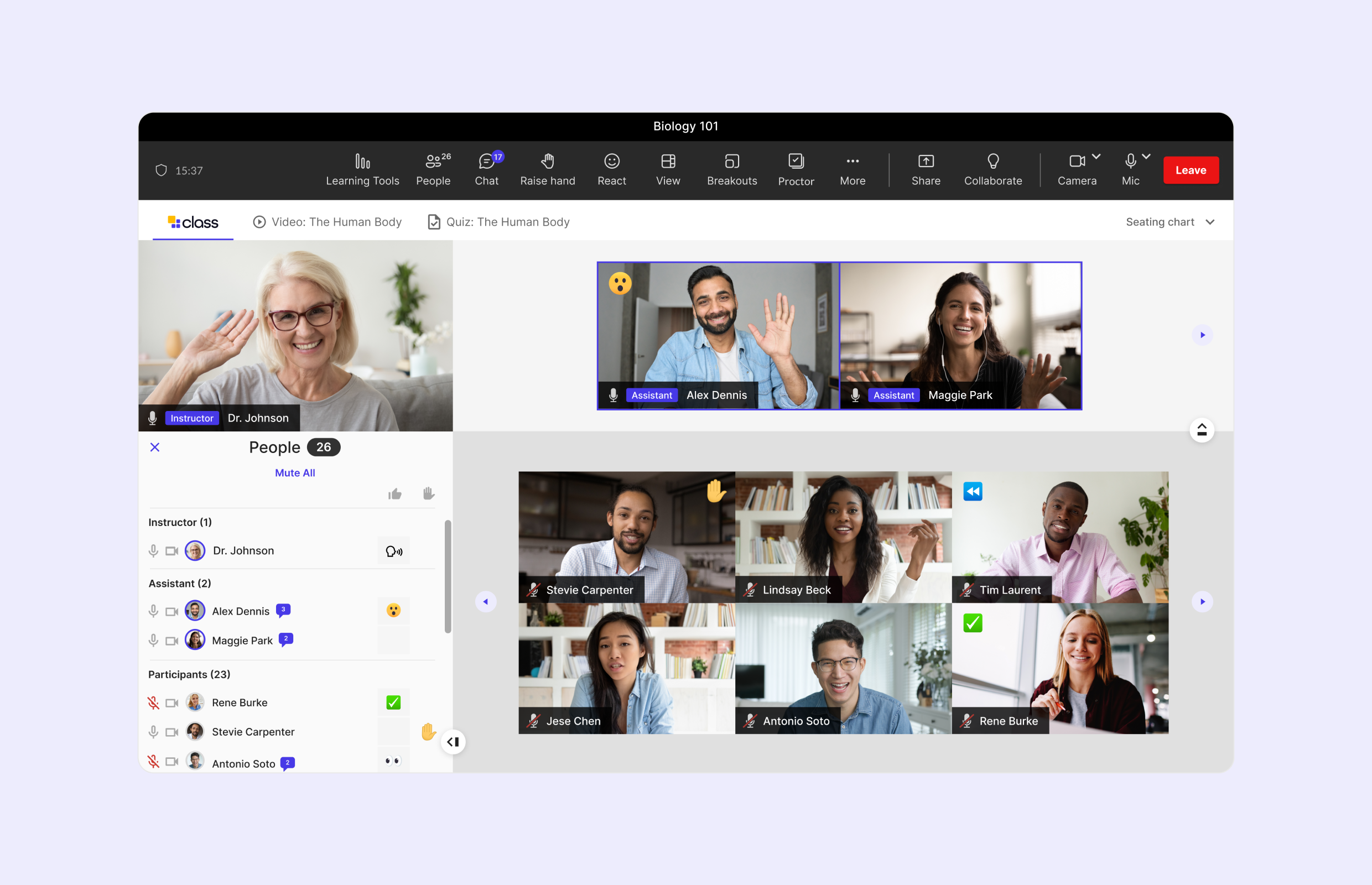
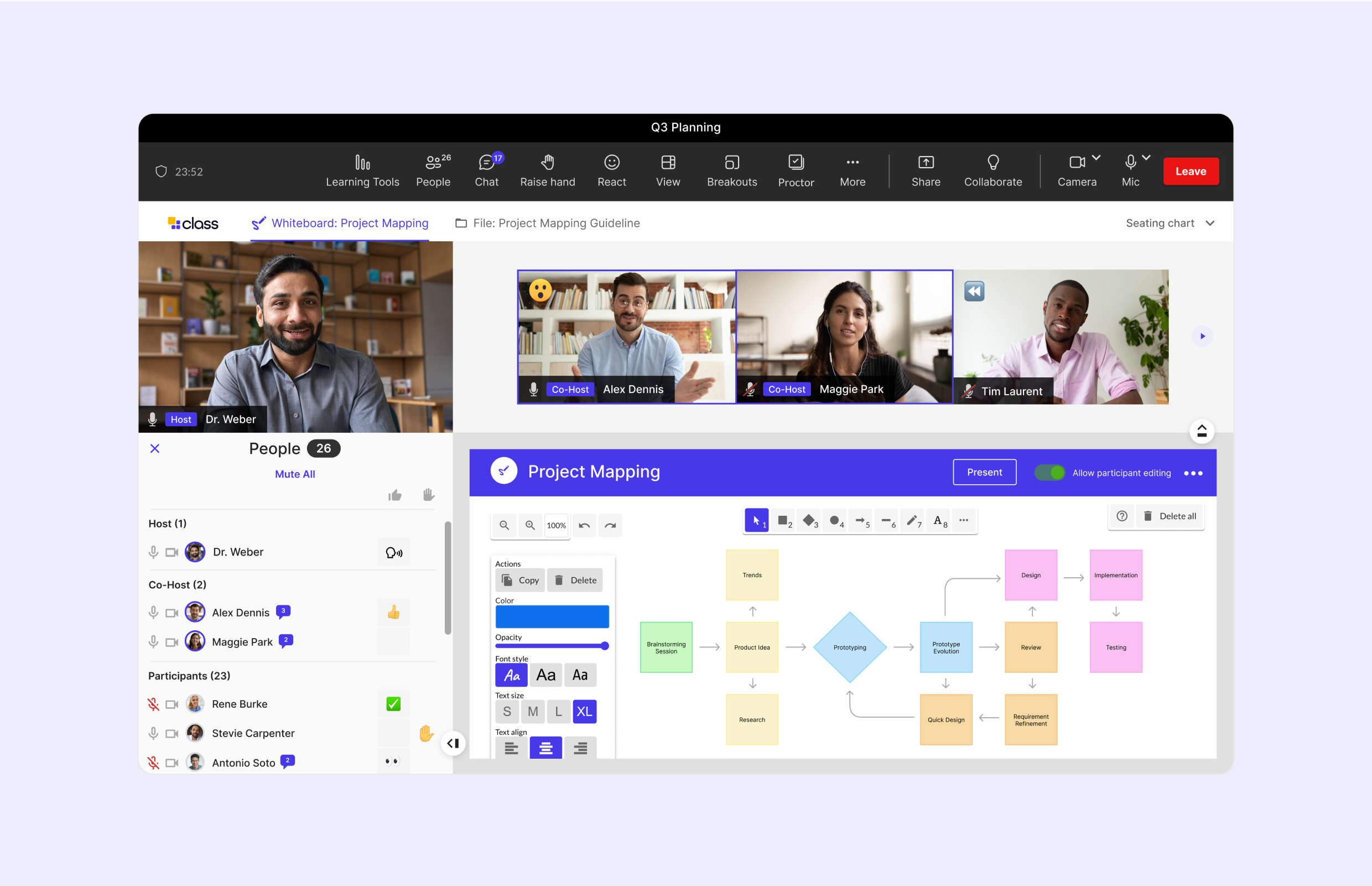
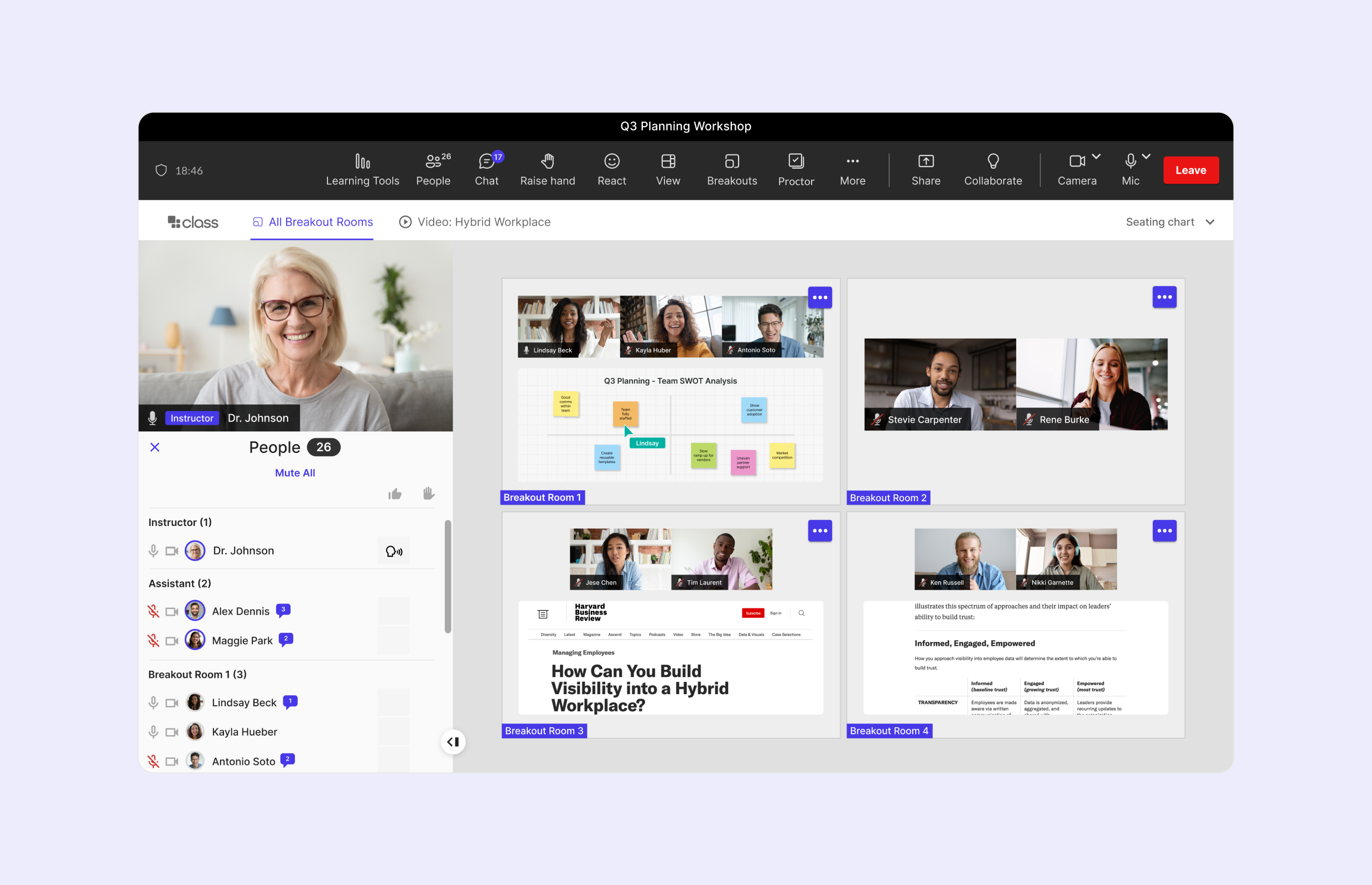
Class for Microsoft Teams has the layout Teams users recognize, so instructors and learners know where things are. Everything else is built for learning, from seating charts to breakout room oversight to engagement data on every learner.
Microsoft is a platform company and the power of Microsoft is through our partnerships. Class for Microsoft Teams is a game changer that allows institutions to extend their usage of Microsoft 365 and transform how learning is delivered online."
LMS IntegrationsIntegrates with the LMS you rely on
Connect live sessions to the courses and content already in your LMS. Launch sessions from your LMS, keep rosters in sync, and send learner progress back automatically. No LMS? Rostering works natively in Class.
SecurityEnterprise-grade protection for every session
Every session runs on enterprise-grade infrastructure and meets the data protection, privacy, and access standards your organization requires.
Class for Microsoft Teams FAQs Your questions answered
What does “built for Teams users” mean?
Class for Microsoft Teams is designed for people used to working in Teams, with a layout they’ll recognize. Inside each session, instructors get what live learning needs: course setup, instructor tools, engagement tracking, and Interactive Recordings.
Do I need Microsoft Teams licenses to use Class?
No. Instructors and learners don’t need Microsoft Teams licenses to use Class. Video and audio are built-in and included.
What’s the difference between Class for Microsoft Teams and Class for Zoom?
The main difference is the interface. Class for Microsoft Teams is designed for people used to Teams, and Class for Zoom is designed for people used to Zoom, but you can choose either. Most organizations choose the one their instructors and learners already use every day.
Does Class for Microsoft Teams work on mobile devices and in a browser?
Class for Microsoft Teams runs in the browser on desktop and laptop, with no desktop app to install.
How does Class work with our LMS?
Class connects through LTI and REST APIs, so live sessions work with the courses and content already in your LMS. You can launch sessions from your LMS, sync enrollments and rosters, and send learner progress back automatically. Class integrates with:
How does Class for Teams integrate with Microsoft applications?
Class for Teams integrates with the Microsoft business tools your organization uses every day–Microsoft 365, Outlook, and Teams. Microsoft users can access Class, view Class schedules, and join live Class sessions within the Microsoft ecosystem. Once part of the live Class session, integrations with Microsoft OneDrive enable live collaboration on files, including Word Docs, PowerPoint presentations, and Excel spreadsheets.
Can I purchase Class through the Microsoft Marketplace?
Yes. Class for Microsoft Teams is available on the Microsoft Marketplace, which can simplify procurement for organizations that already buy through Microsoft.
How do I get more information or schedule a demo?
Request time with our solutions team to see Class for Microsoft Teams in action, answer your questions about setup and licensing, and help you plan the right rollout for your organization.
Class for every industryLive virtual learning for every kind of organization